
Phonox on Linux and WSL — Platform Support Explained
Phonox is a Docker-based application, which means it can run anywhere Docker runs. That said, the interactive CLI (start-cli.sh) is a Bash script — so the smoothest, most tested experience today is on Linux or Windows with WSL2. Here’s the full picture.
What’s supported today
| Platform | Status | Notes |
|---|---|---|
| Linux (Ubuntu, Debian, Fedora, Arch…) | ✅ Full support | Native, recommended |
| WSL2 (Windows 10/11) | ✅ Full support | Docker Desktop with WSL2 backend |
| macOS | ⚠️ Likely works | Docker Desktop required; not yet tested |
| Windows (native) | 🔜 Possible, not yet official | Requires manual steps — see below |
Linux — the native home of Phonox
If you’re running any modern Linux distribution, Phonox just works. The whole stack — Docker Compose, the Bash CLI, PostgreSQL, the FastAPI backend, and the React frontend — is designed and tested on Linux.
Prerequisites
# Ubuntu / Debian
sudo apt update && sudo apt install -y docker.io docker-compose-plugin python3 git

# Fedora
sudo dnf install -y docker docker-compose python3 git
sudo systemctl enable --now docker

# Add yourself to the docker group (log out and back in after)
sudo usermod -aG docker $USER
Install and start
git clone https://github.com/Hoshi42/phonox.git
cd phonox
chmod +x start-cli.sh
./start-cli.sh
# Choose: 3) Configure API keys → enter your Anthropic key
# Choose: 2) Install + start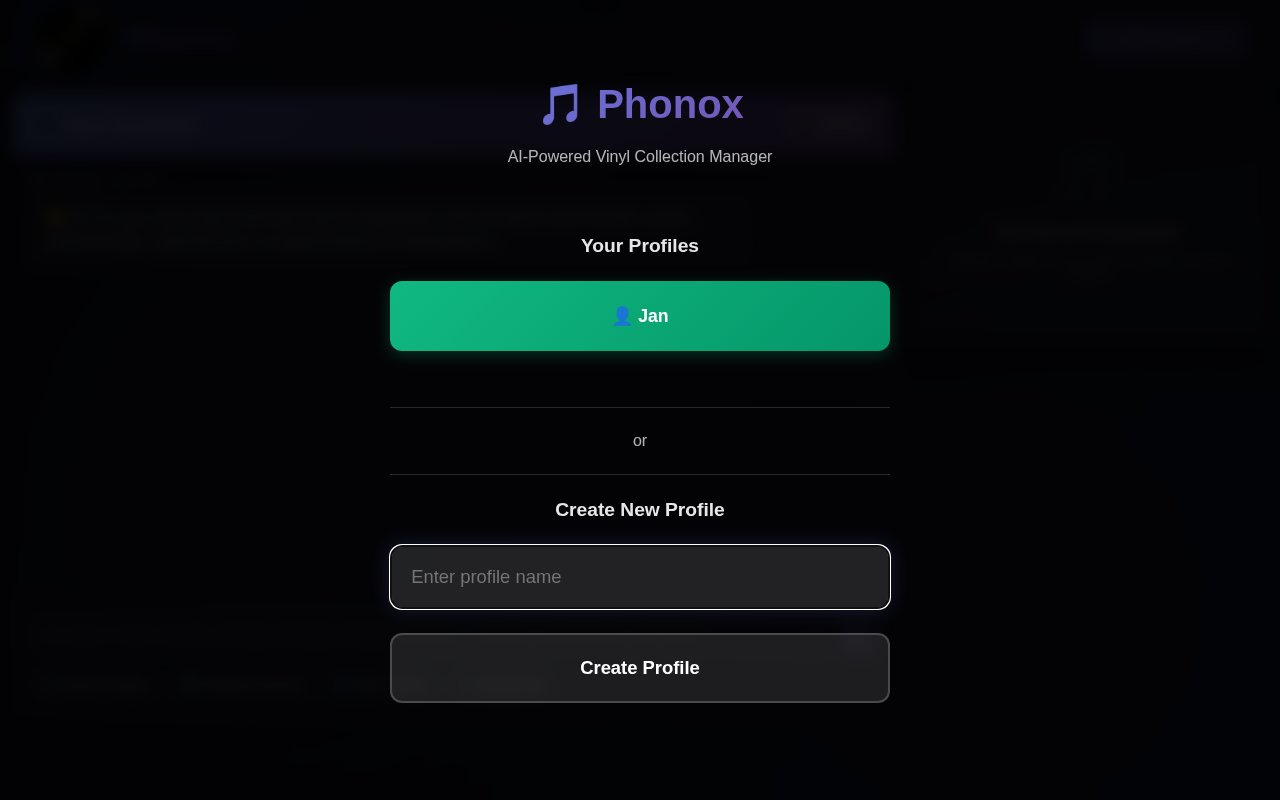
That’s it. The full Phonox vinyl identification stack is running locally on your Linux machine.
WSL2 — Linux on Windows
Windows Subsystem for Linux 2 gives you a real Linux kernel inside Windows. It’s the recommended way to run Phonox on a Windows machine right now.
Step 1 — Install WSL2
Open PowerShell as Administrator and run:
wsl --installThis installs Ubuntu by default and enables WSL2. Restart when prompted.
Step 2 — Install Docker Desktop
Download and install Docker Desktop for Windows.
During setup (or in Settings afterwards), make sure “Use the WSL2 based engine” is enabled. This is the default on new installs.
Step 3 — Clone and run Phonox inside WSL
Open the Ubuntu app (not PowerShell), then:
# Install Python and Git inside WSL if needed
sudo apt update && sudo apt install -y python3 git

# Clone the repo
git clone https://github.com/Hoshi42/phonox.git
cd phonox
chmod +x start-cli.sh
./start-cli.sh
Docker commands issued inside WSL talk directly to Docker Desktop — no extra configuration needed.
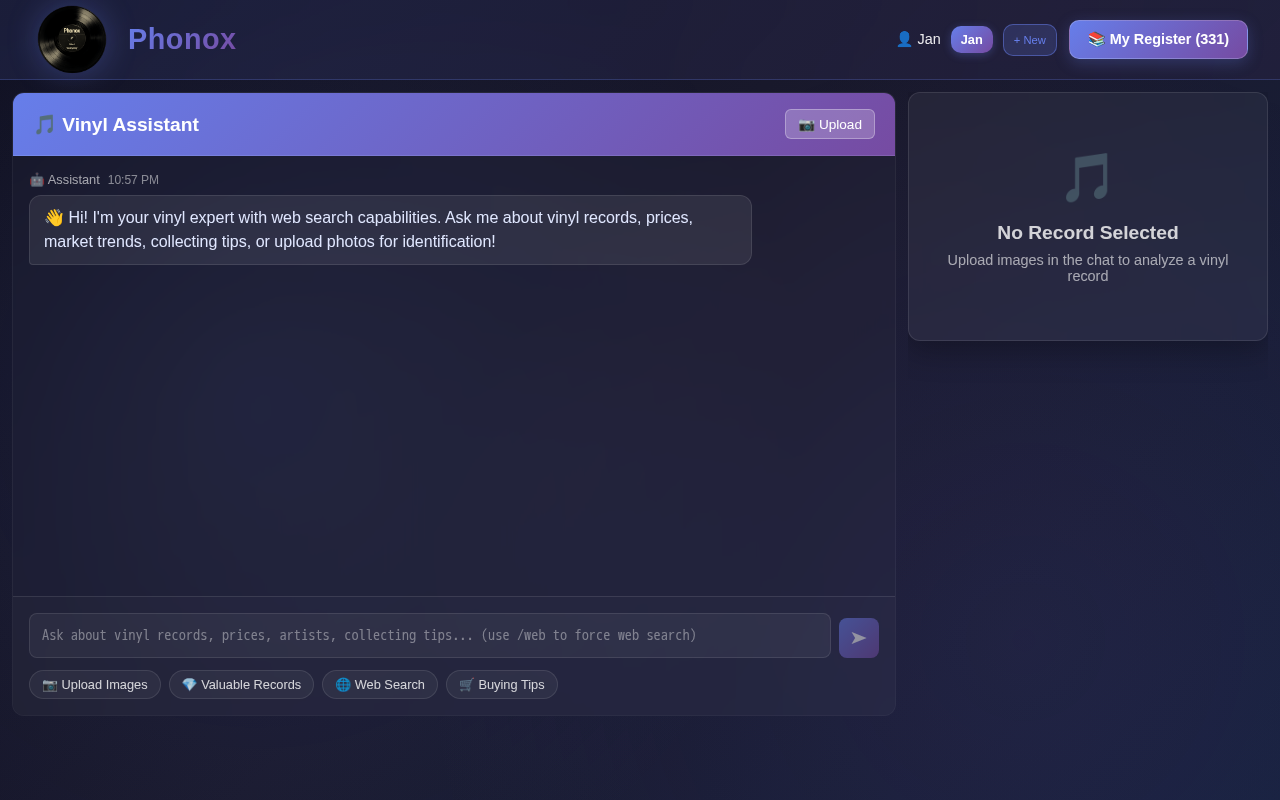
Tip: Access the running app at http://localhost:5173 in your regular Windows browser — WSL2 automatically forwards ports to the Windows host.
Windows (native) — technically possible
Phonox’s phonox_cli.py already includes sys.platform == "win32" path handling, and Docker Compose works natively on Windows. It is therefore possible to run Phonox on native Windows, but it requires a few manual steps since there’s no .bat or .ps1 launcher yet.
# In PowerShell, from the phonox directory
python scripts/phonox_cli.py
You’ll need:
- Docker Desktop for Windows
- Python 3.11+ (tick “Add to PATH” during install)
- Git for Windows
This is not yet officially supported — but if you’re comfortable with Windows development tooling it should work. A native Windows launcher (start-cli.bat or start-cli.ps1) is on the roadmap.
macOS
Docker Desktop runs on macOS and Python is readily available via Homebrew. The setup mirrors Linux:
brew install git python
# Install Docker Desktop from https://www.docker.com/products/docker-desktop/

git clone https://github.com/Hoshi42/phonox.git
cd phonox
chmod +x start-cli.sh
./start-cli.sh
macOS support is untested but expected to work — if you try it, feel free to open an issue with your findings.
Why Docker makes cross-platform possible
The entire Phonox runtime — PostgreSQL database, FastAPI backend, and React frontend — runs inside Docker containers. The containers are Linux-based regardless of the host OS. This means:
- The AI inference logic, database schema, and file handling behave identically on every platform
- You don’t need Python or Node.js installed on your host just to run Phonox
- Upgrading is as simple as
git pull+./start-cli.shoption 2 (Install + start)
The only host dependency outside Docker is Python 3 (for the CLI script itself) — and on Linux and macOS, that’s already present.
Summary
Start here today:
- On Linux → clone,
chmod +x start-cli.sh, run it - On Windows → install WSL2 + Docker Desktop, then follow the Linux steps inside Ubuntu
Native Windows and macOS launchers are on the roadmap. Until then, WSL2 is a first-class experience and takes under 10 minutes to set up on any Windows 10/11 machine.
Photo credit: Florian Olivo via Unsplash